Song in.
A finished video out.
Upload a song or a script — a team of AI agents directs, casts, storyboards, and shoots your first cut. You just review and refine. Music videos, microdramas, ad films, explainers, devotional, kids' animation.
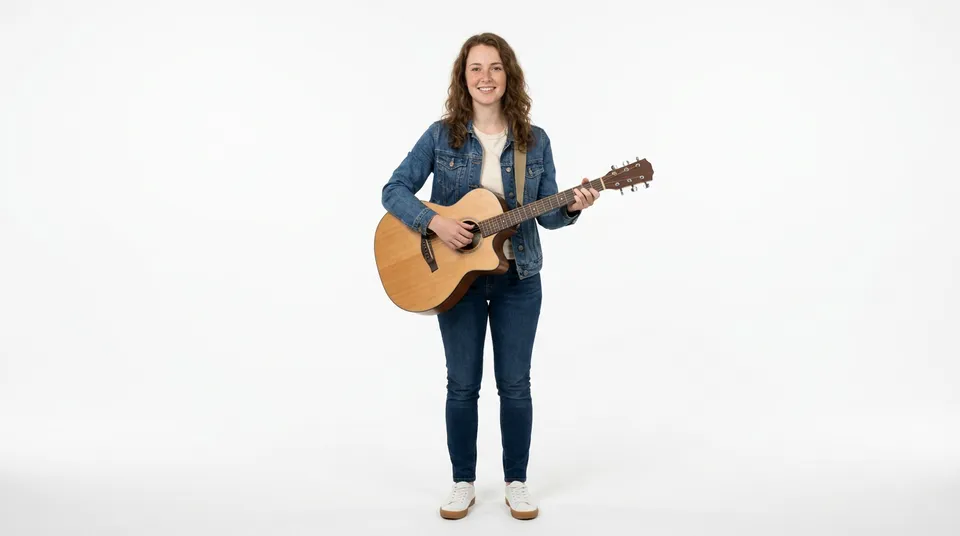
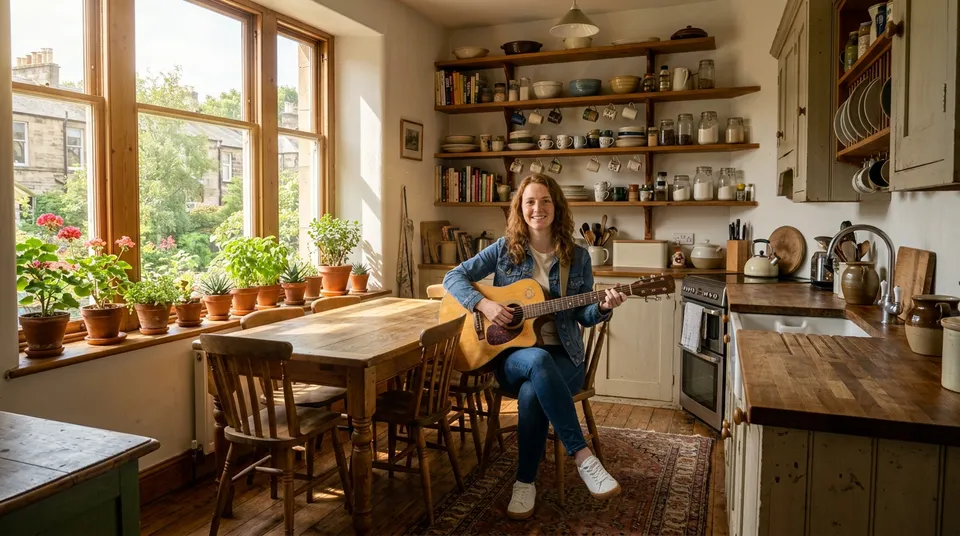
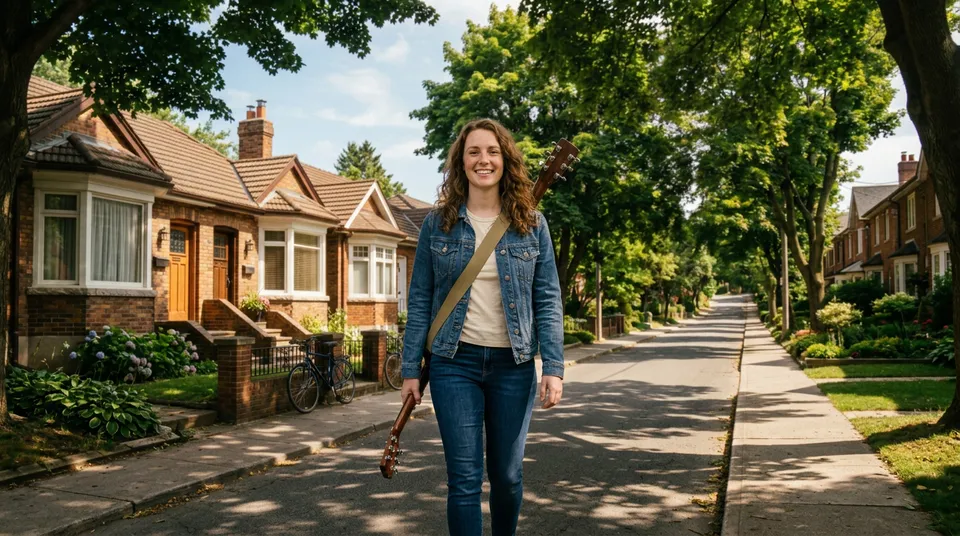
A warm, nostalgic indie-folk feel — home, friendship, a sunlit afternoon.

An agent for every job
Direction, scripting, casting, art, production — each step is run by an agent built for that one job.
A fraction of your time
The agents run the whole pipeline end to end. Your hands-on time adds up to minutes, not weeks.
You stay in control
Approve, edit, or regenerate any shot. Nothing's locked until you sign off.
What you can make
One pipeline. Many kinds of video.
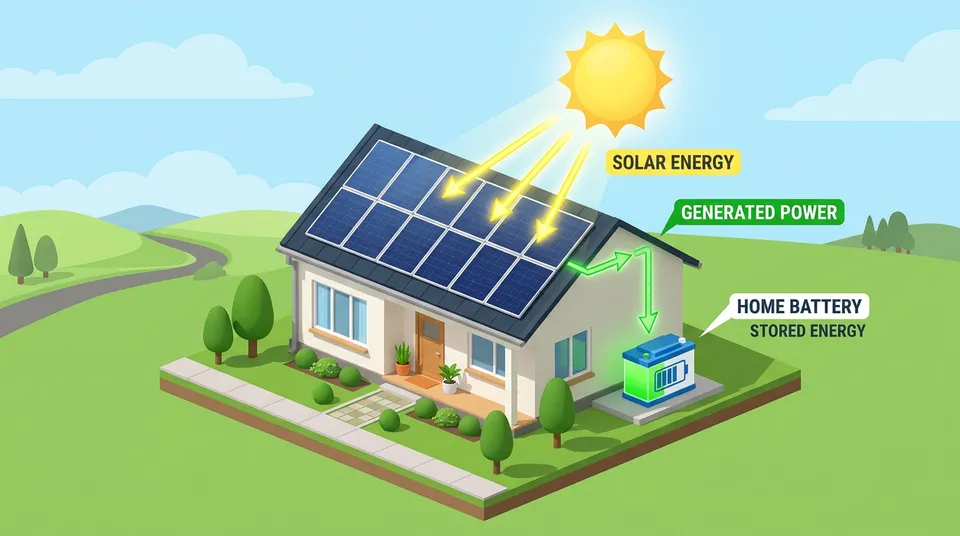
It started with music videos. The same agents now handle microdramas, ad films, explainers, devotional pieces, and kids' animation.



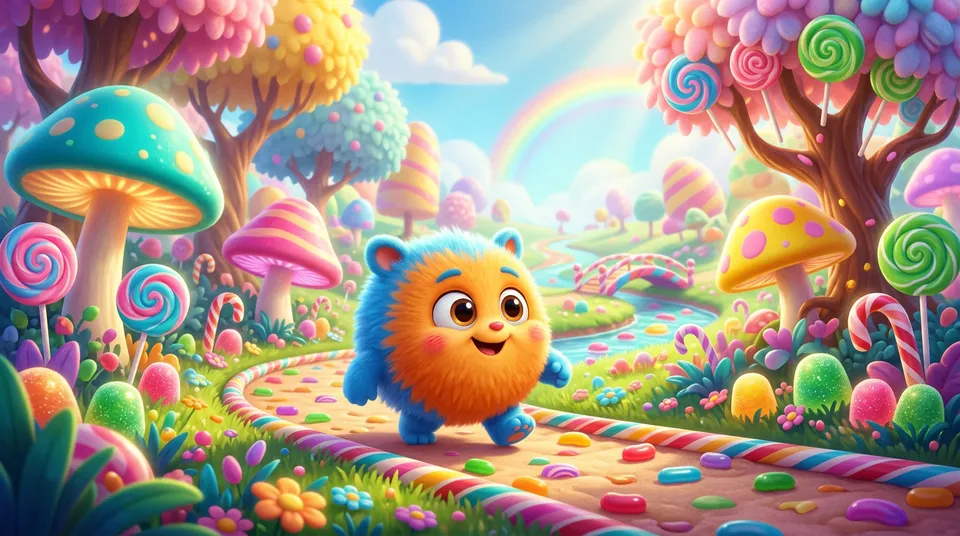
Music videos
Every beat and lyric, cut to picture.
Inside the pipeline
See what each stage makes.
Each stage is its own AI agent, handing the next a real, finished asset — a brief, a scene list, your cast and sets, then frames, then video.
Analyze your Script or Audio
Determines the creative vision, sets the visual style, and establishes the core themes for your project.
A warm, nostalgic song about coming home — sunlit, intimate, and real.

Break the Concept into Scenes
Translates the vision into a timed scene list, mapping every beat to the audio or dialogue, ready to shoot.
Cast Talent and Scout Locations
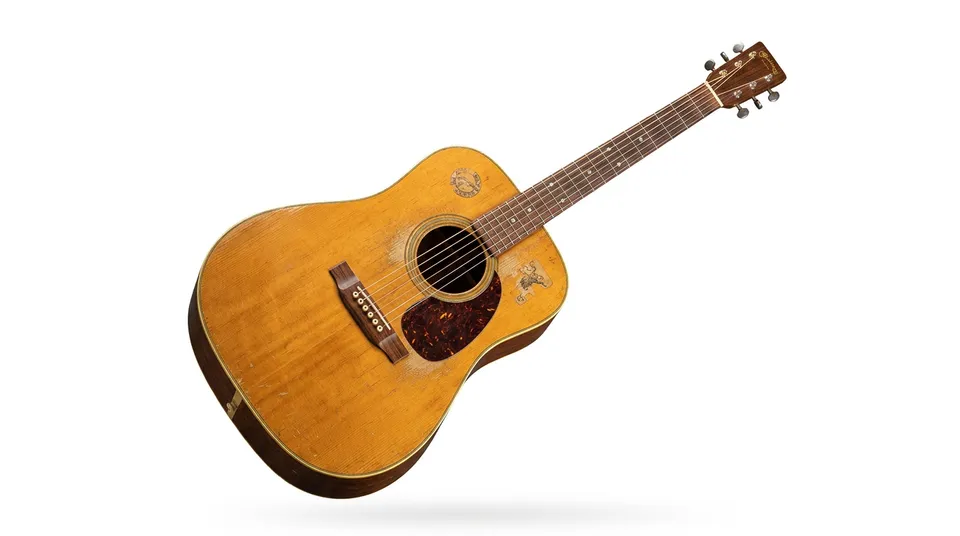
Generates consistent character identities, selects locations, and builds the visual world for your story.
Character CharacterLocationProp
Compose the Storyboard
Drops your cast, sets, and props into start and end frames for each shot—consistent, on-style, and yours to tweak.
Start · Pro 2K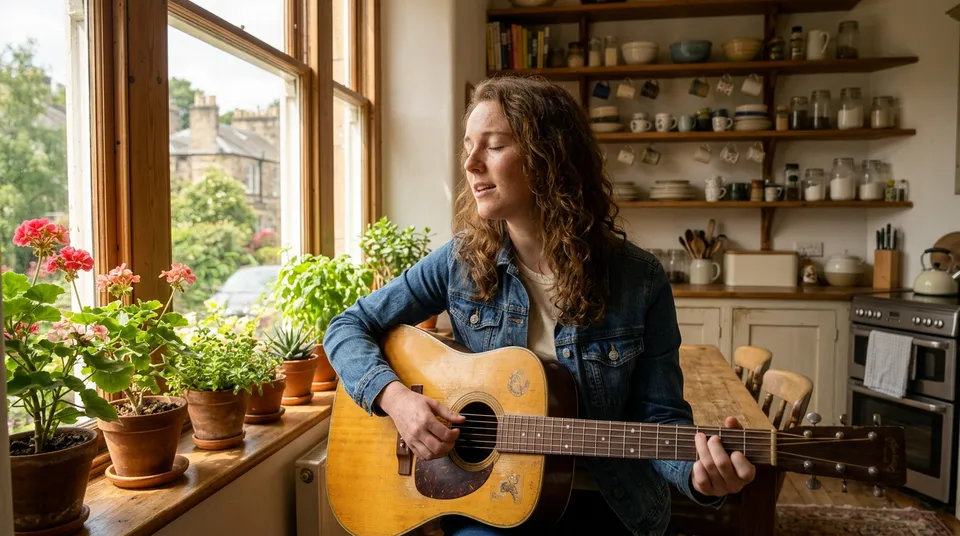 End
End
Shoot the Video
Transforms every storyboard frame into a high-fidelity video clip, fully synchronized to your audio pacing.


Export the Final Cut
Assembles the final timeline, synchronized perfectly to your audio track, ready for Premiere or Resolve.
Meet The Agents
A dedicated pipeline aiding every discipline.
Rhythm isn't just a single model. It's a pipeline of specialized AI agents designed to aid your production workflow, passing the baton from concept to final cut.
The Visionary
Sets the visual style, culture, and core themes of your project.
The Storyboarder
Translates the high-level concept into a tangible, scene-by-scene shot list mapped to the beat.
The Casting Director
Locks in the 'look' of each character ensuring your protagonist is identical across every shot.
The Production Designer
Designs the sets, lighting, and props that ground your story in its unique aesthetic.
The Cinematographer
Executes the shot list using the best generative models, managing camera movement and framing.
The Editor
Assembles the final cut, synchronized perfectly to your audio track.
The math
Get your first draft in hours, not weeks.
Do it yourself
Veo 3.1 + Nano Banana, prompted by hand
~4.1 days
~$495
Prompt every shot by hand. Stitch the clips yourself. Rebuild consistency across 11 scenes when faces and sets drift.
90%
less time
$330
saved
90%
less time
$330
saved
With Rhythm
Upload → automated pipeline → review
~3 hrs
~$165
A team of specialist agents handle prompting, consistency & production. You direct the creative vision.
Estimates are illustrative only and based on internal benchmarks. Actual costs vary by project complexity, API pricing changes, retry rates, and cloud provider configuration. Not a guarantee or quote.
What you're working with
Everything that makes it feel finished. Direction, consistency, sound — handled.
Every shot tells your story
Real cinematic direction — camera, lighting, and blocking that move with the beat. Not generic placeholders.
Your vision, your references
Bring mood boards, character photos, location shots. The AI learns your aesthetic and holds it consistent across every frame.
Perfect it until it feels right
Tweak any scene without touching the rest. Change the light, the angle, the energy. Iterate until it's exactly right.
A creative partner, not a tool
It asks for your eye when it matters and suggests when you want surprises. You direct; it executes.
See the whole vision
Watch it unfold scene by scene, perfectly synced to your audio. The full picture, exactly as you imagined.
Synced to the sound
Drops, narration, a devotional chant — every cut lands right on the audio. So tight it feels inevitable.
Stay in the creative flow
No waiting, no dead ends. The work keeps moving so your momentum never breaks.
Share your world
Download the storyboard, frames, and final video. Post it, pitch it, or produce it further.
Models
The best models, picked per shot.
Rhythm chooses the right model for each shot and keeps your look consistent across all of them — without you touching a single API.
Built on Google Cloud
Your work stays yours. Your cloud, your credentials.
IP indemnity
Outputs from Vertex AI (Google) carry contractual IP indemnity for eligible content under Google's terms. This does not extend to Seedance or other third-party models. Learn more
Your own credentials
Bring your own Google Cloud project. You control the billing, quotas, and access policies directly.
Runs in your cloud
Generation runs in your own Google Cloud project — and you can optionally store every output there too — so your organization's existing security and compliance controls apply.